No time to keep up?
Winklly does it for you. Send a link, video, photo or voice note from WhatsApp or Telegram and get a short summary with the key points. You can ask questions about it too.
Easiest start: connect the chat you already use
Not ready to connect? Start in your browser
Free to start · No credit card
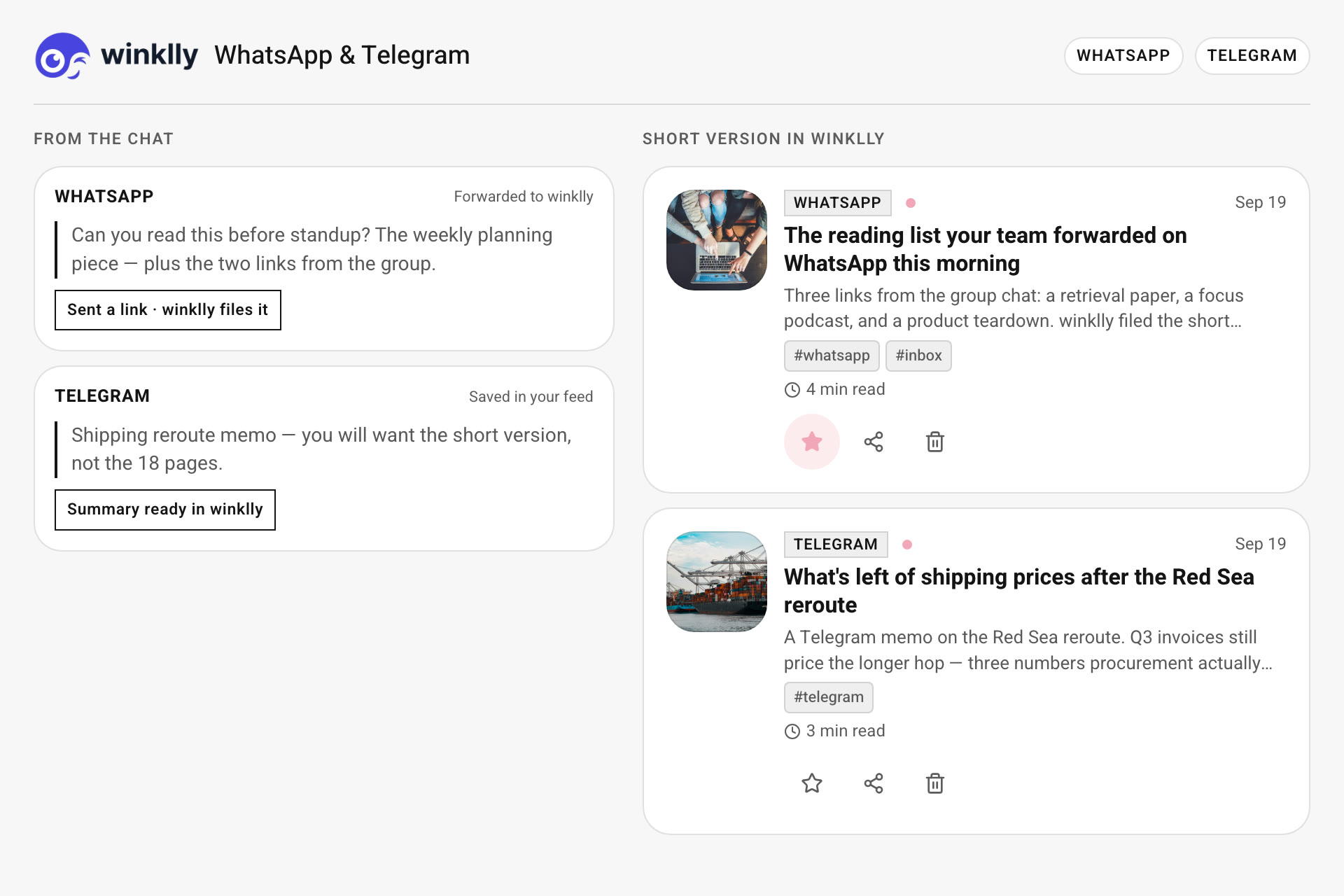
Four steps from a link to an answer.
Create your free account
Sign up with email or Google. It's free.
Connect WhatsApp or Telegram
Link your chat once, then save by simply sending. Prefer the browser? Skip this and paste links or upload files in the app.
Send anything. Get a summary.
Links, photos, voice notes, videos and documents. The summary lands in your feed, and comes back in the chat if you connected one.
Ask Winklly about it
Open any saved item and ask questions about it in plain text.
When connected, winklly may process the chat content you send — including message bodies, not only links — to write the AI summary in your feed. Privacy Policy
One feed for everything you save.
Whatever you send is summarized and filed by topic, so it's easy to find later.
Links
Articles, YouTube, podcasts and posts.
Photos and screenshots
Send an image and Winklly summarizes it.
Voice notes
Forward a voice note and read it instead of listening.
Videos and documents
PDFs and videos, summarized like any link.
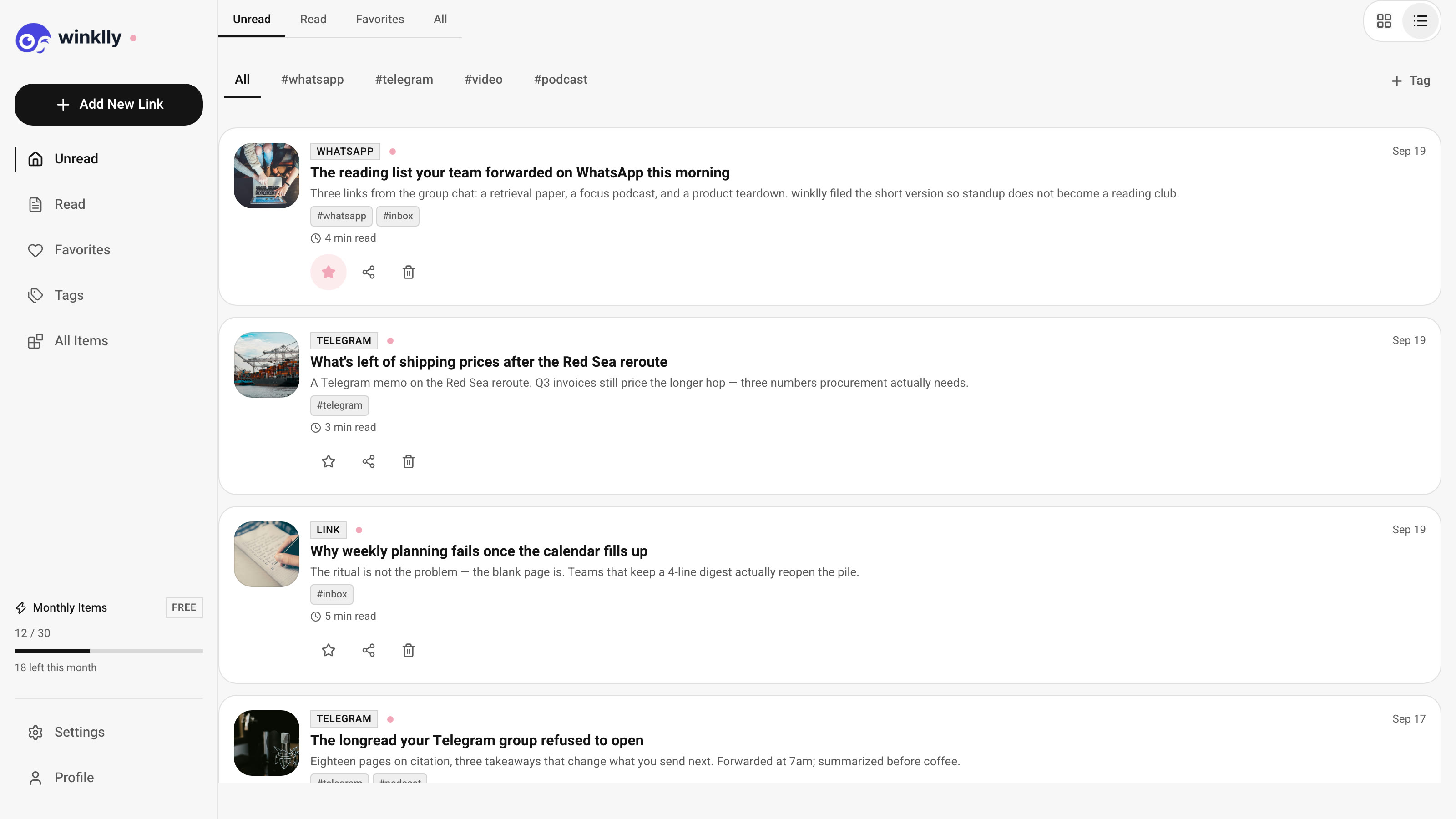
Start free. Upgrade when you need more room.
Every plan includes WhatsApp and Telegram.
Free
Enough to try it properly
- WhatsApp & Telegram connection
- Up to 10 items / month
- AI summary on every item
- Sorted by topic automatically
- URL & file upload
- Mobile & desktop
Pro
For people who save a lot
- WhatsApp & Telegram connection
- Up to 150 items / month
- AI summary on every item
- Sorted by topic automatically
- URL & file upload
- Mobile & desktop
- Priority support
Ultra
For heavy readers and teams of one
- WhatsApp & Telegram connection
- Up to 600 items / month
- AI summary on every item
- Sorted by topic automatically
- URL & file upload
- Mobile & desktop
- Priority support
Questions, answered.
What does Winklly do?
Send a link, video, photo, or voice note. Winklly turns it into a short summary with the key points, and you can ask questions about it.
Do I have to connect WhatsApp or Telegram?
No. Connecting a chat is the easiest way to save, but you can also paste links and upload files in the browser.
What can I send?
Links, photos, screenshots, voice notes, videos, and documents such as PDFs.
Can I ask questions about something I saved?
Yes. Open any saved item and ask Winklly in plain text.
What is included in each plan?
Free is $0 for up to 10 items a month. Pro is $5.99 a month for up to 150. Ultra is $14.99 a month for up to 600. Pro and Ultra include priority support.
Do I need a credit card to start?
No. The free plan starts without a card.
Skip the reading. Get the point.
Create a free account, link WhatsApp or Telegram, and send your first link.
Not ready to connect? Start in your browser